

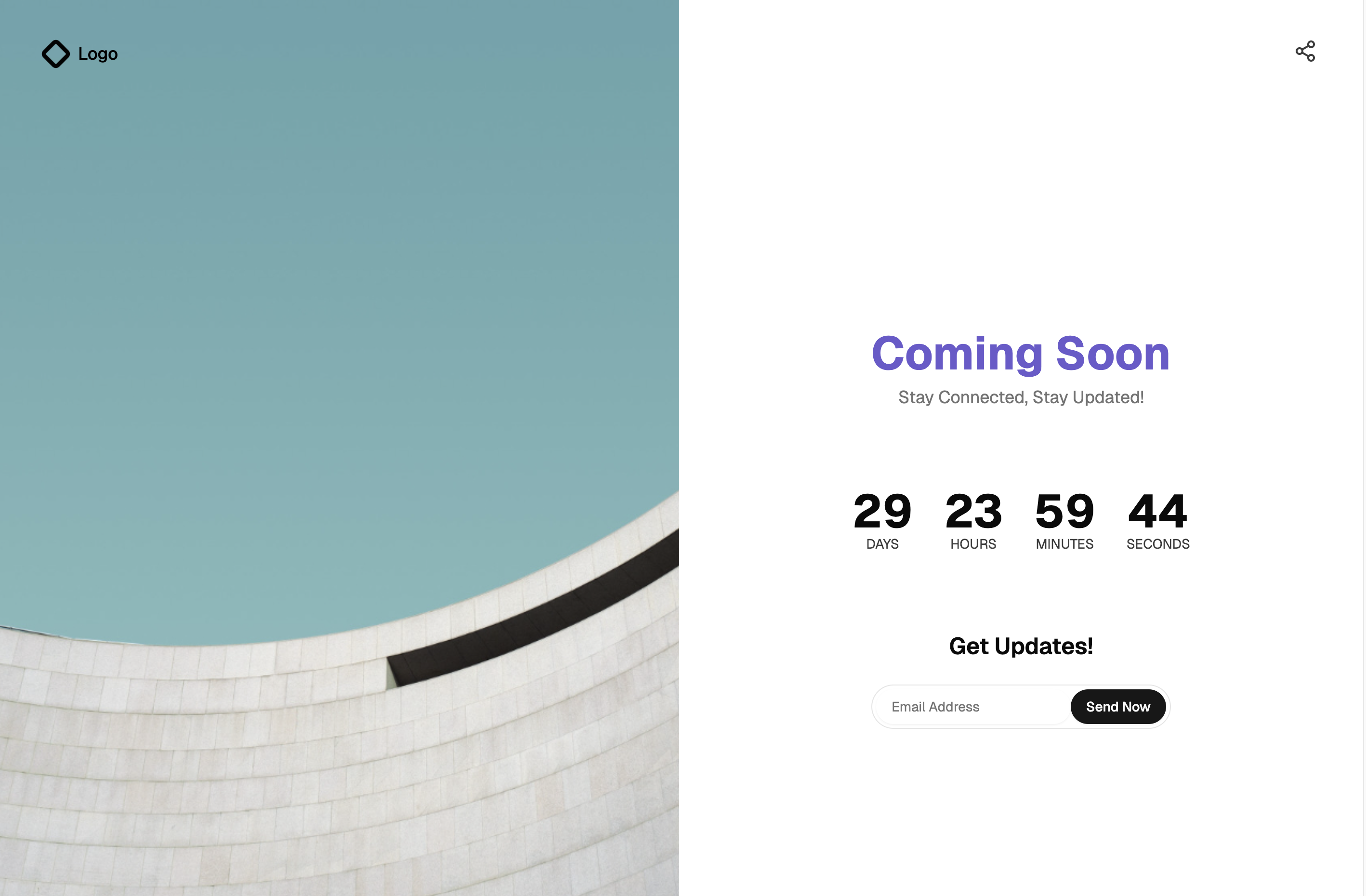
A Pre-Launch Page That Builds Anticipation
A coming soon page holds the door before a product opens: it names what is arriving, shows when, and captures the email addresses of people who want to know first. This block delivers that as a split-screen layout. The left panel layers gradient orbs and a dotted grid pattern behind a logo and quote, while the right side carries a live countdown timer, an email notify form, and social links for Twitter, Facebook, and Instagram.
The details are already handled: the countdown ticks down by the second, the notify form switches to a confirmation state after submit, and the whole screen collapses gracefully to a single column on phones.
Launches, Rebrands, and Waitlists
Use it ahead of a product launch, during a site rebuild, for a feature announcement with a fixed date, or as the public face of an early access program. Agencies also reach for pages like this as placeholder sites that still collect leads while the real site is in production.
If gathering signups is the primary goal rather than the date itself, the neighboring waitlists category focuses on that pattern; this block leans into the countdown moment while still capturing emails along the way.
Countdown Logic and the Split Layout
The block is React with Tailwind throughout. The countdown is a small client component that computes days, hours, minutes, and seconds from a target date and refreshes every second with a setInterval effect; by default it targets thirty days out, and pointing it at your real launch date is a one-line change.
The notify form uses local state to flip into its submitted confirmation view, the social icons are inline SVGs with no icon library dependency, and the decorative left panel is pure CSS, gradients and a dotted background pattern, so the page loads without a single image request.
Owning the Look Through globals.css
Colors resolve from the Shadcn UI theming system, so the page follows the CSS variables in your globals.css for background, foreground, muted text, and the primary color of the notify button, in dark and light mode alike. The gradient orbs are the one place to inject personality: shift their hues toward your brand palette and the whole panel changes character.
Content edits are contained and obvious: replace the logo and quote, set the launch date, point the social links at your profiles, and adjust the headline copy. Nothing else on the page depends on those values.
What Ships in the Block and How to Use It
The interactive pieces are built on the Shadcn UI Input and Button components, with the countdown, form, and layout as small React components around them. The block is available in React, Vuejs, and Svelte versions of one design; the Vuejs and Svelte editions build on the shadcn-vue and shadcn-svelte ports.
Coming Soon Page is a pro block, so the code tab and CLI install unlock with an All Access plan. Install it with the shadcn CLI command at the top of the example page using npm, pnpm, yarn, or bun, or copy the three files from the code tab. To go live, connect the notify form submit to your email provider or waitlist API; the confirmation state is already wired to follow a successful submit.