

Email Templates That Match Your App
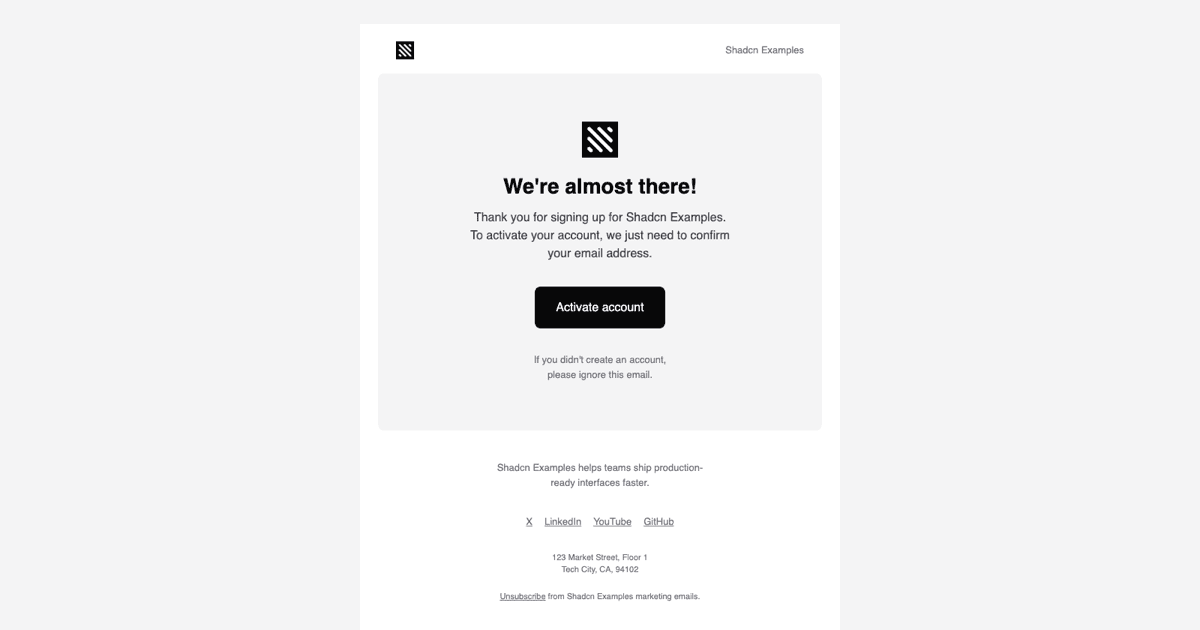
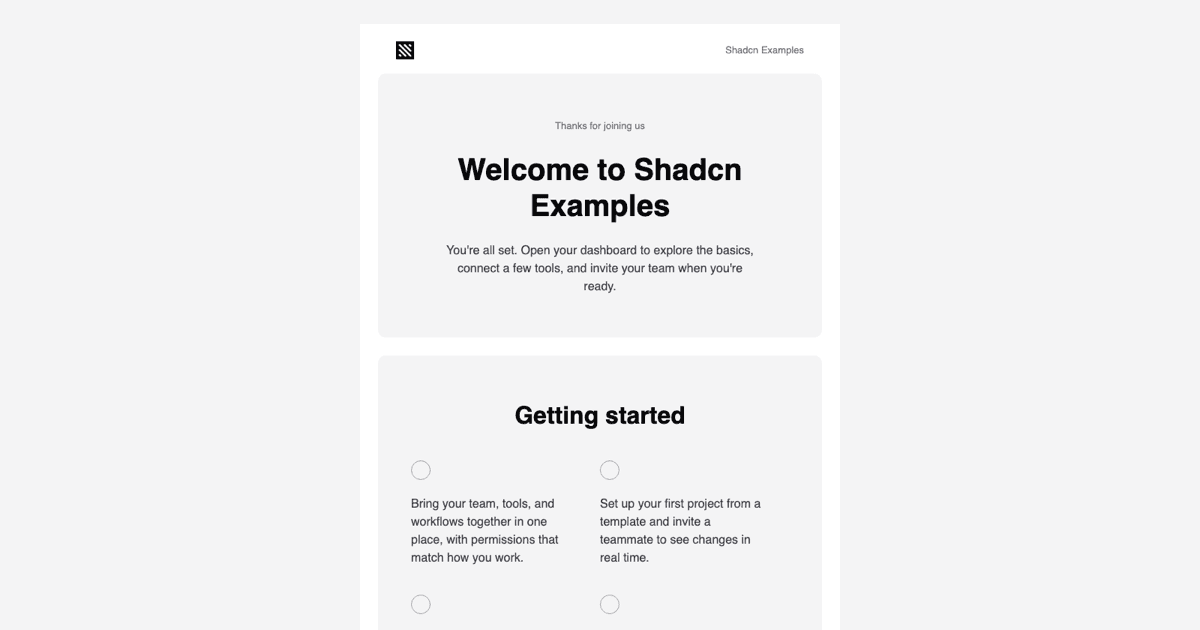
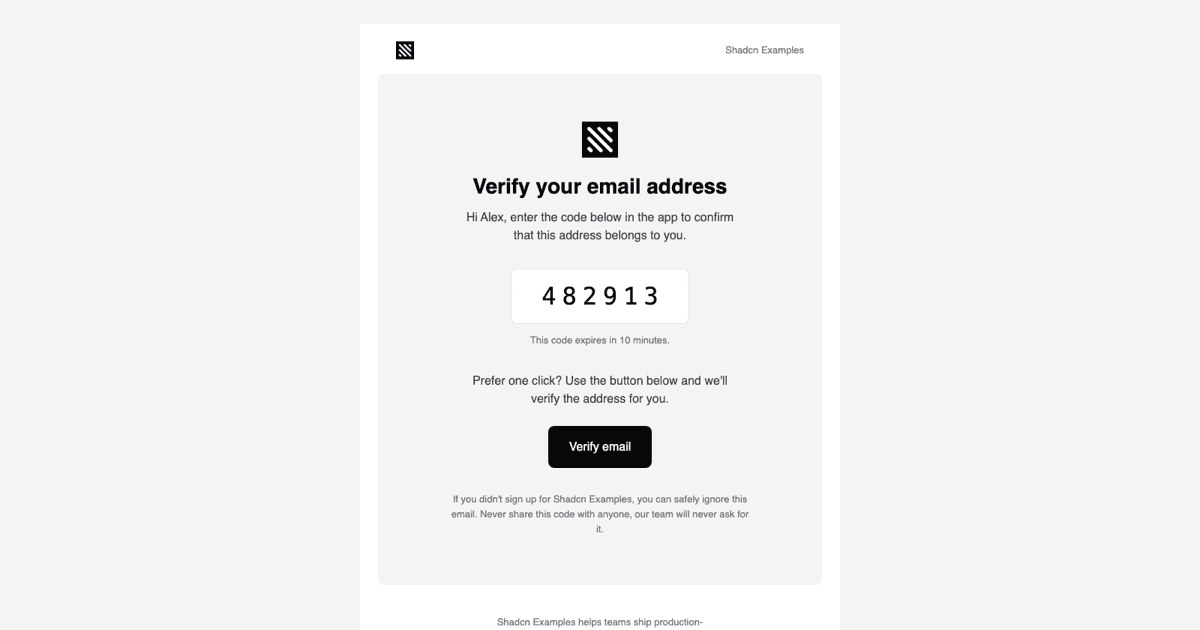
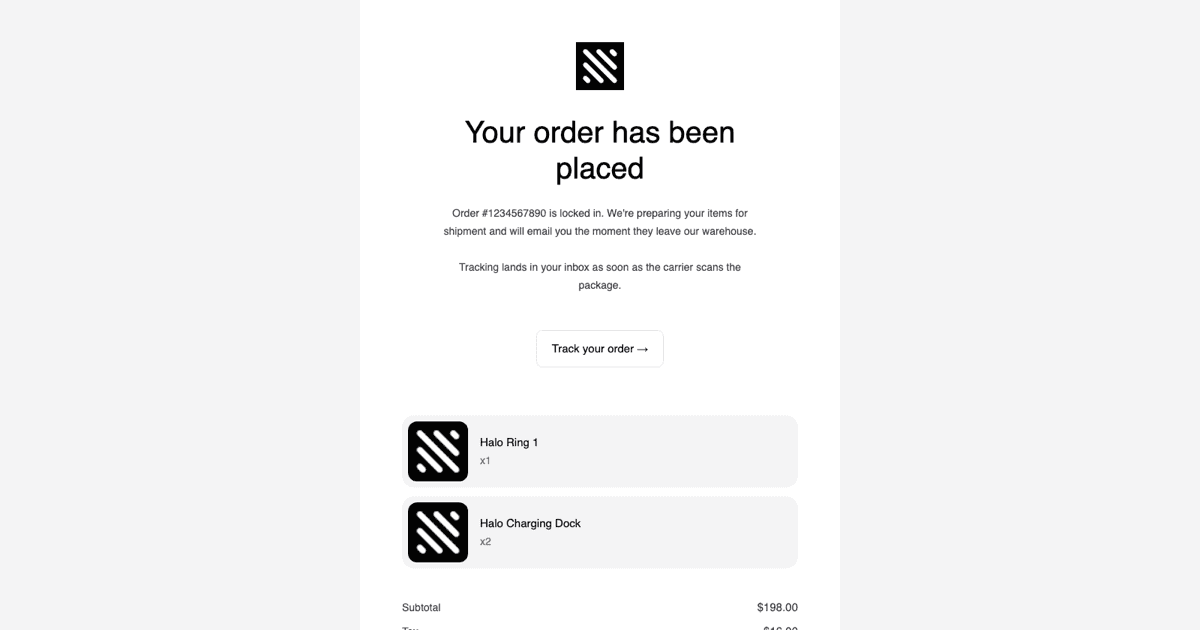
An email template is a pre-designed message layout your application fills with data and sends: welcome emails, password resets, receipts, and announcements. The problem this block solves is visual drift, where the product looks polished but its emails look like they came from another company. These templates follow the styling conventions of Shadcn UI and Tailwind so the messages landing in an inbox feel like an extension of your interface.
The example is currently marked as coming soon, with a placeholder in the preview while the template set is completed. The design intent is a collection of layouts covering the common anatomy of product email: header, body content, and call-to-action buttons, built to pair with the Resend API for programmatic sending.
When a Ready-Made Email Layout Helps
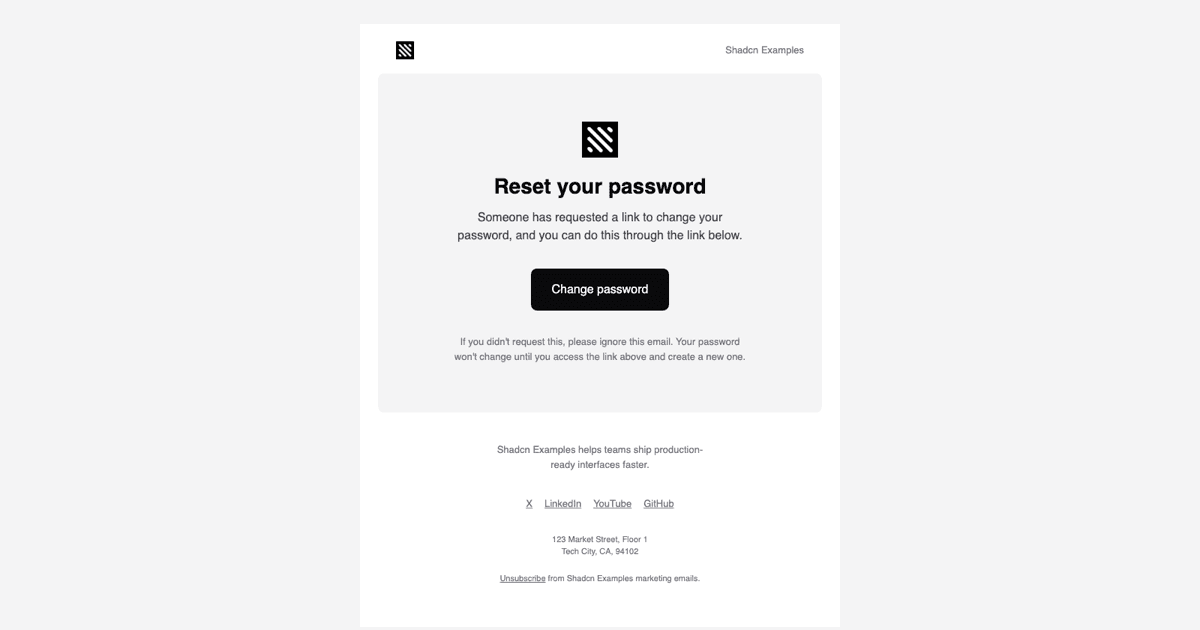
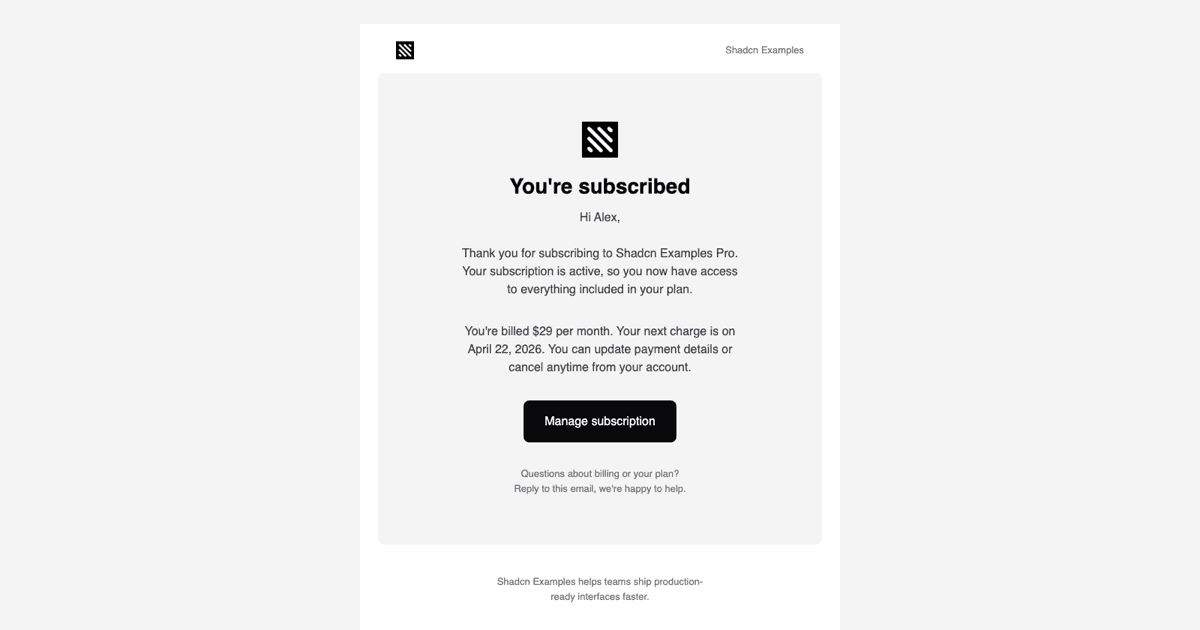
Every product that has accounts sends transactional email, and those messages are usually written last, under deadline, with none of the design attention the app itself received. A template library flips that: signup confirmations, verification codes, billing receipts, and re-engagement campaigns all start from a layout that is already consistent.
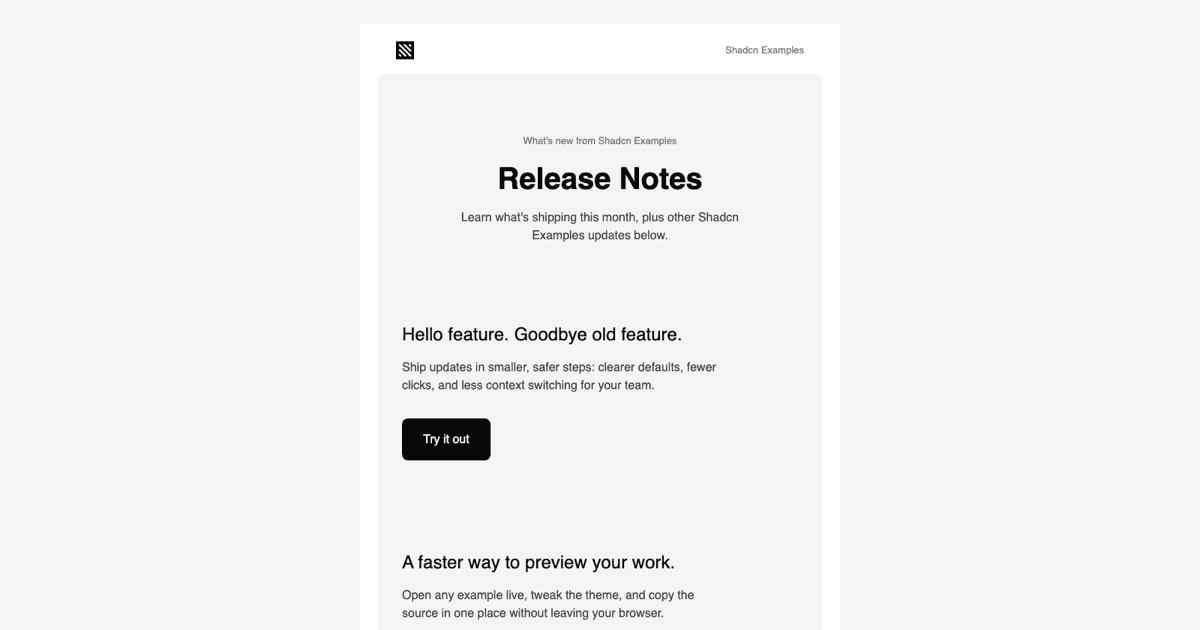
Templates of this kind also serve marketing and lifecycle messaging. Product update digests pair naturally with an in-app notifications feed, and launch announcement emails are the natural companion to a waitlist signup flow. One template set keeps all of those touchpoints visually aligned.
What Powers These Templates
The templates are authored as React components, which is what makes programmatic sending pleasant: your Next.js backend renders a component with real props, order details, reset links, user names, and hands the result to the Resend API. Styling follows Tailwind and Shadcn UI conventions, adapted to the constraints of email clients.
Because email rendering environments are stricter than browsers, the templates keep their structure simple and their styling explicit. That discipline is also what makes them predictable: the same component produces the same message in your test inbox and your customers' inboxes.
Adjusting Colors Without Breaking Consistency
The template palette mirrors the design token approach of Shadcn UI: brand color, text color, and surface color are defined in one place per template, so aligning the emails with the variables in your globals.css is a short, mechanical task. Buttons follow the same visual language as the Shadcn UI Button so the click target in the email matches the one in the app.
Emails do not inherit your site's dark mode class, but the templates are designed with enough contrast to remain readable in clients that apply their own dark rendering. Logos, footer links, and legal text are ordinary JSX you edit directly.
Setup, Sending, and Framework Choices
When the block ships, you will install it with the shadcn CLI command at the top of the example page, offered for npm, pnpm, yarn, and bun, or copy the template files from the code tab. This is a pro example, so both unlock with an All Access plan.
Integration follows the standard Resend pattern: import the template component in a server route, render it with your data, and pass it to the send call. The templates are available in React, Vuejs, and Svelte versions, with the Vuejs and Svelte editions built on the shadcn-vue and shadcn-svelte ports, so teams outside the React world get the same email designs.